Paint all the way around
Rotate the egg through a full 360 degrees to work on each side.
My 3D Easter Eggs offers a simple creative playground: rotate a three-dimensional egg, choose your colours and paint a design from every angle.

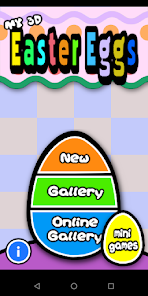
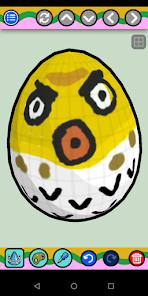 Official Google Play images
Source: Google Play listing · 23 September 2026. Downloads are shown as ranges, not exact totals.
Rotate the egg through a full 360 degrees to work on each side.
Choose colours and switch between three brush sizes.
Undo and redo your strokes, then explore the egg-themed minigames.
My 3D Easter Eggs
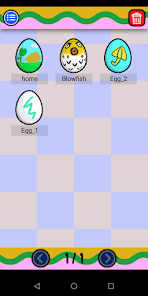
Follow the Google Play link for Australia. The store confirms availability, device compatibility and current pricing for your account before you install.
No. This is an independent English-language guide for readers in Australia. For game updates and support, use the developer’s listing on Google Play.
Review the age rating, permissions, data safety information and any ads or in-app purchases on the current store listing. Features and conditions may change between versions.